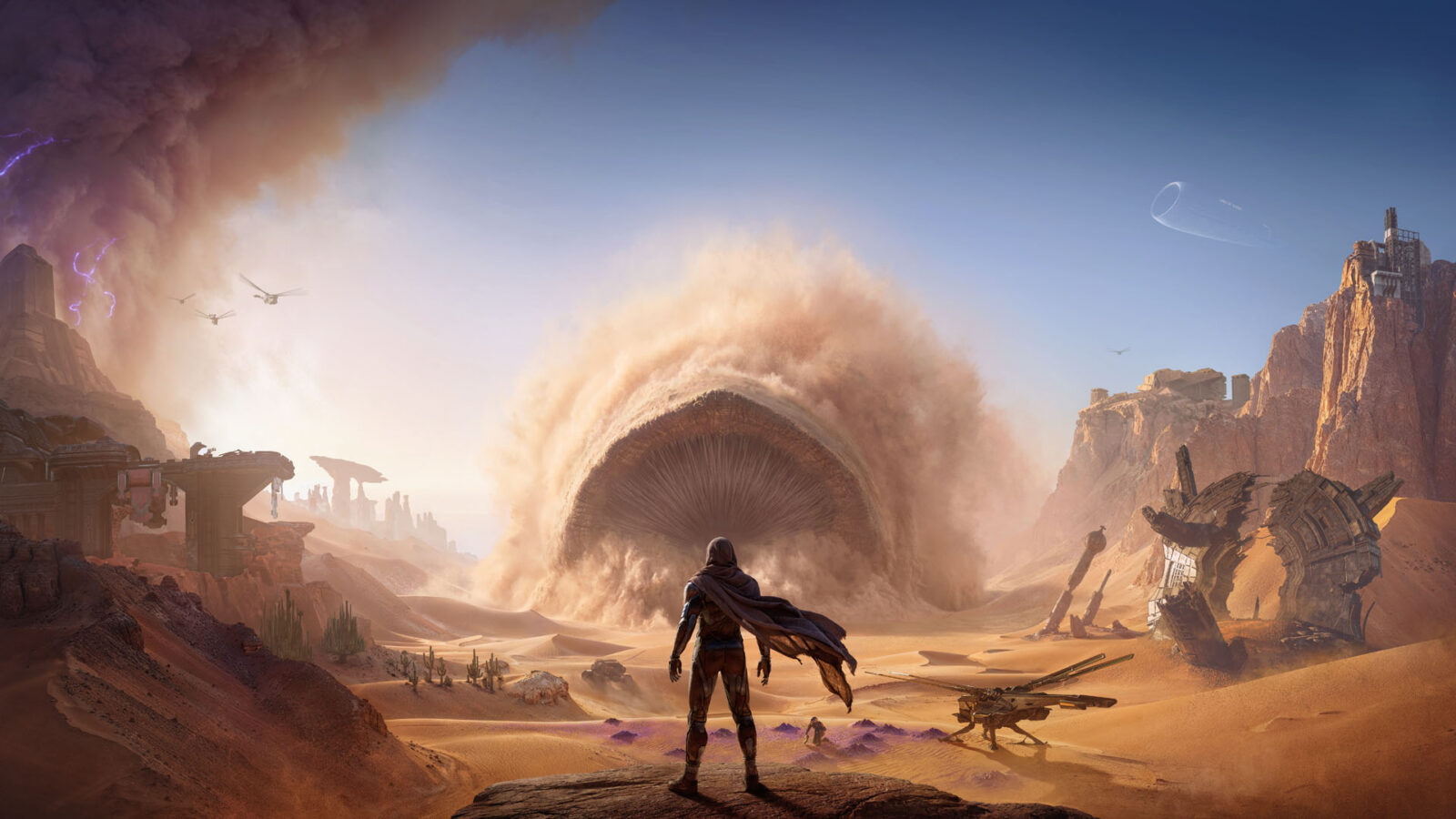
Dune: Awakening Desert GPU Artifacts: Fixes and Troubleshooting
Are you seeing Dune: Awakening desert GPU artifacts? Discover effective troubleshooting steps, driver advice, and community-proven workarounds for your game.
Published:
Table of Contents
The vast, unforgiving sands of Arrakis in Dune: Awakening are designed to test your survival instincts, not your graphics card’s stability. However, many players have reported encountering frustrating visual glitches, specifically dune awakening desert gpu artifacts that manifest as flickering textures, popping geometry, or erratic shadows across the dunes. Understanding how to address these visual errors is critical, as they can quickly turn an immersive survival experience into a distracting mess that ruins your time in the desert.
If you are currently struggling with dune awakening desert gpu artifacts, you are certainly not alone. Many players within the community have voiced concerns regarding these graphical inconsistencies, especially in open-world areas where complex shaders and lighting effects are constantly in flux. This guide aims to break down why these issues occur and what you can do to stabilize your frame rate and visual fidelity while you navigate the harsh environment of Arrakis.
Identifying the Source of Graphical Glitches
When you experience dune awakening desert gpu artifacts, the first step is to distinguish between hardware failure and software incompatibility. Most reports from the community indicate that these issues are tied to the game's interaction with specific GPU drivers and the Unreal Engine 5 framework, rather than physical damage to your hardware.
According to community reports on platforms like the Steam Community Hub, players with various hardware configurations—ranging from high-end RTX 5090 setups to mid-range cards—have faced similar flickering when traversing the Hagga Rift or specific desert biomes.
Symptom
Potential Cause
Random texture flickering
Driver instability or shader cache issues
Screen-wide white/black flashes
GPU driver version incompatibility
Square artifacts near light sources
Lighting engine/Lumen processing errors
Ghosting or blur during movement
Upscaling technology (DLSS/FSR) misconfiguration
Driver Optimization and System Maintenance
The most consistent solution for dune awakening desert gpu artifacts involves managing your graphics drivers. Because Dune: Awakening leverages advanced features of Unreal Engine 5, older or unstable drivers can cause the engine to misinterpret data, leading to the visual anomalies you see on your screen.
Recommended Steps for Driver Management
Clean Installation: Always perform a clean install using software like DDU (Display Driver Uninstaller) when switching between driver versions to avoid registry conflicts.
Version Tracking: Keep an eye on official forums. Some players have noted that specific driver iterations (e.g., Intel 8136 vs 8626) yield different levels of stability.
Avoid Beta Drivers: If you aren't a developer or a tester, stick to the "Game Ready" or "WHQL" certified drivers provided by NVIDIA, AMD, or Intel.
[!TIP]
Managing Your Drivers
If you encounter severe stuttering after an update, reverting to a known stable version is often the best temporary fix while waiting for official patches from the developers at Funcom.
In-Game Settings: What to Adjust
If driver updates don't immediately resolve the dune awakening desert gpu artifacts, your next line of defense is the in-game settings menu. While it is tempting to maximize all settings, sometimes pushing the engine too hard—especially with experimental features—triggers these visual bugs.
Settings to Toggle for Stability
Upscaling: If you are using DLSS or FSR, try turning them off temporarily to see if the artifacts subside. While this will impact your FPS, it helps confirm if the upscaling algorithm is generating the visual noise.
Lumen/Ray Tracing: These features are heavy on the GPU. If you see flickering near light sources or shadows, consider lowering the Global Illumination quality.
V-Sync and Frame Gen: Some users have reported that Frame Generation (FG) combined with specific V-Sync settings can exacerbate ghosting and flickering in open desert areas.
Setting Name
Recommended Action
Reason
DLSS/FSR
Disable/Balance
Reduces potential upscaling "ghosting"
Lumen Quality
Medium
Reduces flickering near light sources
V-Sync
Off
Prevents input lag and potential display sync bugs
Texture Quality
High
Prevents potential streaming/popping issues
Community-Proven Workarounds
The gaming community has been incredibly proactive in sharing workarounds for dune awakening desert gpu artifacts. A common theme in community discussions is that these bugs are often localized to specific areas of the map, such as the dunes or near large rock formations.
Some players suggest that clearing the local cache files for the game can force the engine to recompile shaders properly, which sometimes clears up persistent flickering. If you are tech-savvy, locating your local app data folder and removing the shader cache subfolder can serve as a "factory reset" for how your GPU interprets the game’s environment.
Advanced Troubleshooting: When Nothing Else Works
If you have tried updating your drivers, adjusting in-game settings, and clearing your shader cache but the dune awakening desert gpu artifacts persist, consider the following advanced diagnostics:
Verify Integrity: Use Steam’s "Verify Integrity of Game Files" feature. Corrupted game assets can often mirror the symptoms of GPU hardware failure.
Temperature Monitoring: Use monitoring tools to check your GPU hotspot temperatures. While rare, extreme overheating can occasionally manifest as visual artifacts, especially in GPU-intensive UE5 titles.
OS Integrity: Ensure your Windows installation is updated and that all required C++ redistributables are current.
[!WARNING]
Monitor Your Hardware
While most issues in Dune: Awakening are driver-related, persistent artifacts that occur in all games suggest a failing GPU. If you see artifacts outside of this game, please check your GPU cooling and physical connections.
Frequently Asked Questions (FAQ)
Q: Are these GPU artifacts a sign that my graphics card is dying?
A: Typically, no. Reports suggest dune awakening desert gpu artifacts are software-related, linked to Unreal Engine 5 optimization and driver versions. If you only see these issues in this game, it is almost certainly a software conflict.
Q: Does changing the graphical settings to 'Low' stop the flickering?
A: Lowering settings can sometimes mitigate the issue by reducing the stress on the GPU and changing how lighting is rendered, but it is not a guaranteed fix. Players report that the problem is often tied to the game's engine processing rather than a pure performance limitation.
Q: Will there be an official patch to fix these visual bugs?
A: Developers are aware of various graphical issues. As this is a large-scale title, the team is actively investigating driver-game conflicts. Keep an eye on official patch notes for updates specifically targeting visual stability.
Q: Why do the artifacts only show up on the desert sand?
A: The desert terrain uses complex procedural generation and shaders that are highly sensitive to rendering calculations. When the GPU driver and the engine do not communicate perfectly, the desert—being the most complex visual element—is often the first place these miscalculations appear as artifacts.